Hands-on session

Step into the world of innovation with our 3D Design & CAD Workshop, hosted by CICR The Robotics Hub of JIIT 128.
This immersive, hands-on session will guide you through the essentials of 3D modelling and CAD tools to transform your creative engineering ideas into real-world designs. Whether you’re a beginner or looking to polish your skills, this workshop is crafted to give you practical experience and confidence.
Reserve Your Seat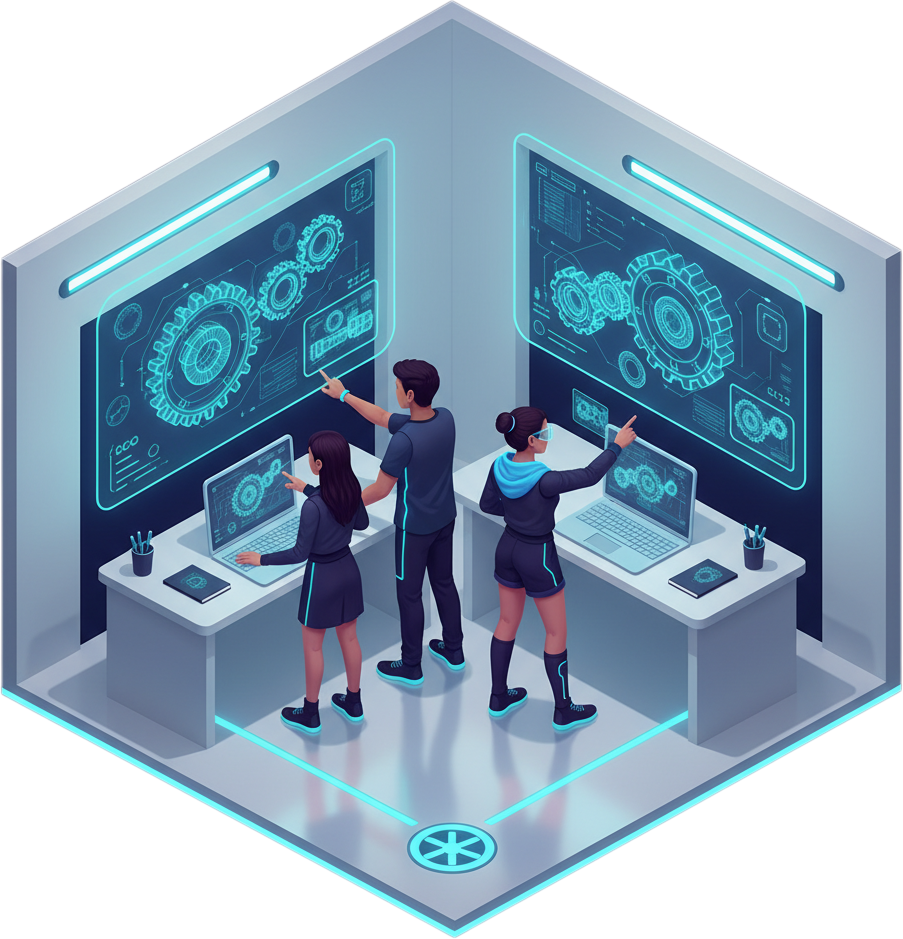
Get updates, reminders and resources directly in our WhatsApp group.
Join Now
Visit the official Fusion 360 page. Click Here
Click on the 'Free trial' or 'Get started' button.
Sign in to your Autodesk account or create a new one if you don’t have an account.
Select the appropriate license (Student, Hobbyist, or Start-up).
Download the Fusion 360 installer for your operating system.
Run the installer and follow the on-screen instructions to complete the installation.
Open Fusion 360 and sign in with your Autodesk account.
Finish the initial setup and tutorial to get familiar with the interface.
You're now ready to start creating amazing designs in Fusion 360.
